Digital Twin Application

Stop using static images. Start delivering immersive 3D experiences. Give your users instant, interactive access to your product's data directly in the browser. No plugins, no downloads, just one line of code.

Scroll to explore

Transform Your Product Data Into an Interactive Web Experience

Complete Product Knowledge in Your Browser

Step into the digital product era. Transform how your customers experience your products!

Pure Web Technology

Works in any modern browser without installation

Truly Responsive

Seamless experience on desktop, tablet, and mobile

Easy Integration

Embed on your website with a simple link or iframe

One-Time Payment

No recurring subscriptions, predictable costs

Fast Deployment

From your data to live application in weeks

Managed Hosting

We handle updates, security, and maintenance

Outcomes: Faster decision-making, reduced support costs, improved customer engagement, and better training. All delivered through a simple web link.

From your data to a working application in weeks

1. Ingest You Provide the Data

You don't need to change or re-format anything. Just send us your existing files: 3D/CAD exports (STEP, OBJ), PDF manuals, and brand assets. Integration with ERP systems is supported but entirely optional. You can start with just the essentials and add more content later. We handle all the organization for you.
Data Ingestion

2. Assemble We Build Your Application

This is where your data comes to life. We don't just display files; we connect them. Your 3D model becomes the central hub, linking directly to the correct procedures, documents, and parts data. We assemble it all into a single, seamless application, complete with your company's branding.
Assembly Process

3. Publish We Make It Live

There's no software for your team to install. We handle all the hosting. You get a simple, shareable link and an embed code to paste directly into your website. It's as easy as embedding a video. Your application is now live for anyone, on any device. Optional desktop and mobile builds are also available on request.

Publishing

4. Maintain We Keep It Evergreen

This is not a one-and-done product; it's a managed service. We handle all engine updates, software improvements, security, and bug fixes. Your application stays current, secure, and functional without you lifting a finger. If your product data changes, we can enable data connections to keep your content in sync.

Maintenance
  • 3D CAD Data: Your 3D models in common formats (STEP, IGES, OBJ, FBX, or native CAD formats). The 3D model should clearly show the product hierarchy, including how components relate to each other, assembly structures, and product variants or configurations.
  • Technical Documentation: PDF manuals, technical specifications, service bulletins, installation guides, and any other relevant documentation that supports product understanding and maintenance.
  • Service Procedures: Step-by-step maintenance procedures, repair instructions, assembly guides, and troubleshooting workflows for the procedures you want to create as interactive. The number of procedures depends on your needs and will be discussed when you request our application.
  • Parts Data: Parts catalogs, component lists, part numbers, descriptions, specifications, and any ordering or procurement information. This enables the interactive parts catalog feature.
  • Brand Assets: Logos and any brand guidelines.
  • Optional ERP Integration Data: Field mappings, data schemas, and connection details if you plan to integrate with ERP systems for automated synchronization.
  • Additional Content: Training materials, video tutorials, safety information, compliance documentation, warranty information, or any other content that enhances the user experience.

Note: Don't worry if you don't have everything at once. We can start with what you have and add more content over time. Our goal is to make your product data accessible and useful, so every piece of information helps.

More powerful features for complete product knowledge

Spare Parts Catalog

A structured catalog that mirrors your product hierarchy. Selecting a component in the 3D model reveals the related parts, descriptions, and identifiers. Users can jump from the 3D model into the correct part record to avoid misidentification. Ordering links can point to your commerce or procurement system. Outcomes include fewer misorders and faster fulfillment.

Results:
  • 70% fewer misorders
  • Faster part identification
  • Direct ordering links
  • Accurate part numbers
  • ERP integration available

Documents

A centralized library for manuals, technical specifications, service bulletins, and how to guides. When a user selects a component in the 3D model, relevant documents are suggested instantly. This reduces time spent searching and speeds troubleshooting. Documents can open in place or in a new tab based on preference.

Accepts:
  • PDF manuals
  • Technical specs
  • Service bulletins
  • Video guides
  • Image libraries

Procedures

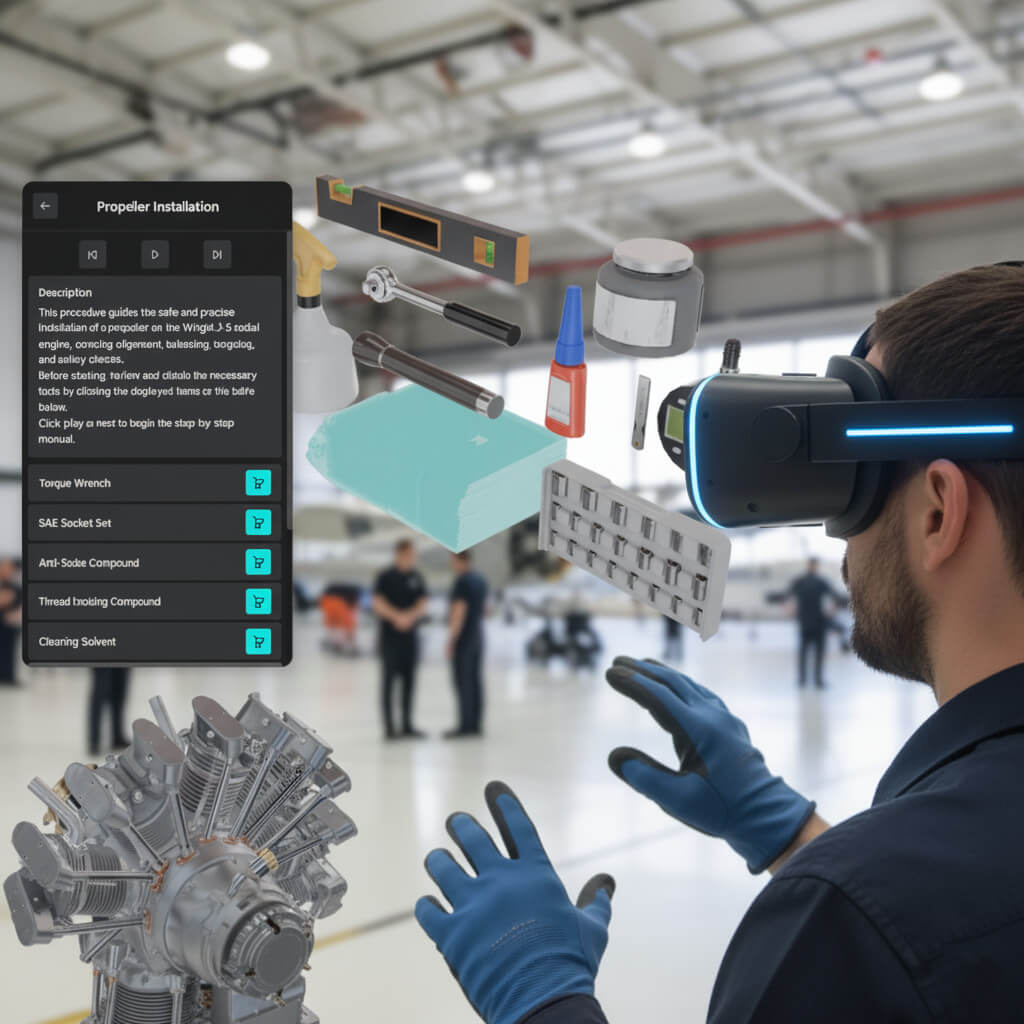
Step by step visual guidance with controls for play, pause, previous, and next. Each step can highlight the involved components, display required tools and parts, and show safety notes. Procedures increase consistency, reduce time to competence for new team members, and lower rework by making the correct sequence easy to follow.

Typical results:
  • 50% faster training time
  • 30% reduction in errors
  • 40% less rework
  • Consistent execution across all technicians
  • Reduced support calls

Cross Section

Enable a cross section plane to reveal internal geometry. Users choose axis and position to inspect interiors and hidden mechanisms. Cross section can be combined with isolation and exploded views for focus on an exact area of interest. This supports diagnostics, education, and effective visual storytelling during sales discussions.

Perfect for:
  • Sales demos showing internal quality
  • Training on hidden mechanisms
  • Diagnostics identifying internal issues
  • Customer education on product design
  • Technical presentations

Augmented Reality

Project the product into the real world using a mobile device. This enables spatial understanding, layout planning, and immersive demonstrations in customer presentations and training. Available as a capability that can be enabled as part of the overall solution.

Ideal for:
  • Customer presentations
  • Training sessions
  • Layout planning
  • Size visualization
  • Works on iOS and Android devices

Dashboard

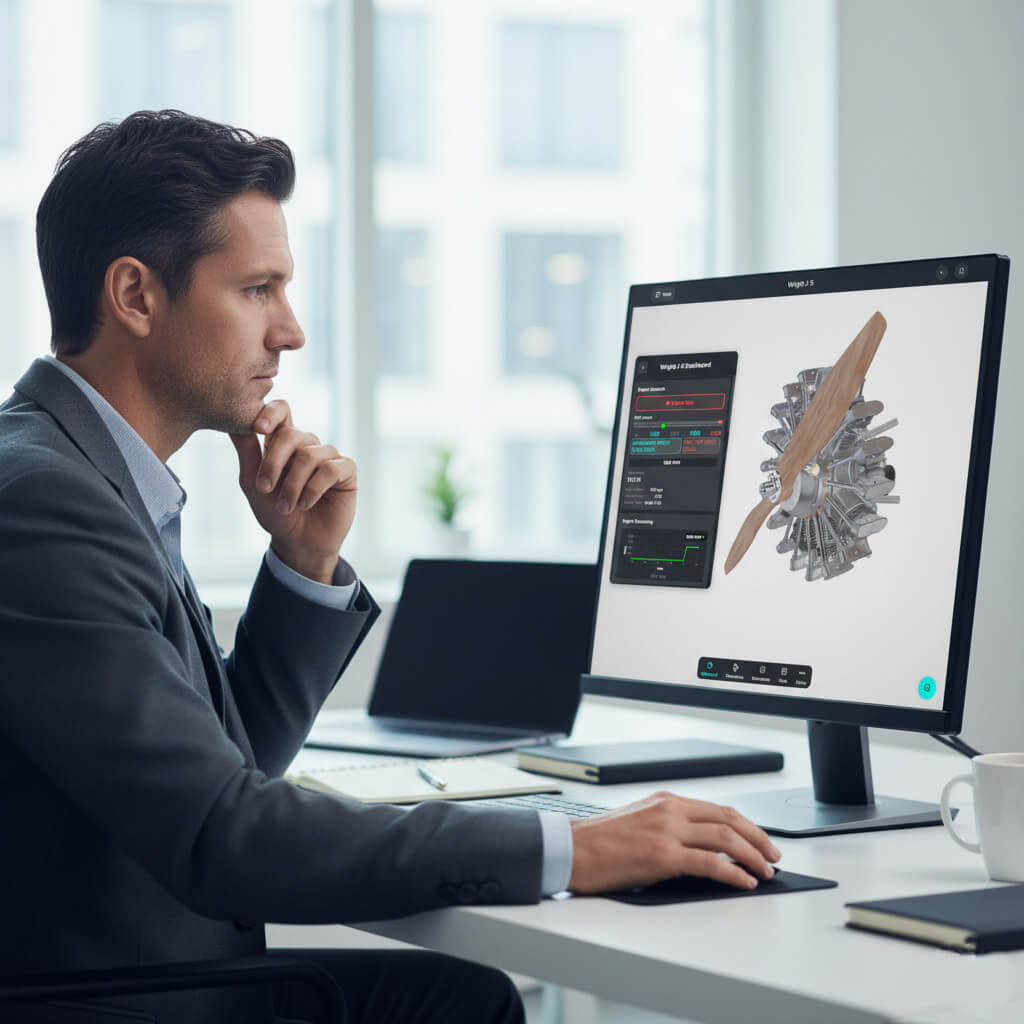
At a glance metrics, usage snapshots, simple trends, and inspection history. Designed for clarity and quick review. Managers and team leads gain situational awareness and a shared understanding of status and service intervals.

Tracks:
  • Usage statistics
  • Popular procedures
  • Document access
  • User activity
  • Service intervals

AI Assistant

A built in assistant answers questions in plain language and guides users to relevant procedures and documents. It also helps users navigate the application. The assistant increases adoption for both technical and non technical audiences and provides immediate help.

Can answer:
  • Product questions
  • Procedure guidance
  • Part identification
  • Document location
  • Troubleshooting tips

Support

Access comprehensive support resources directly from the application. The support menu provides quick links to contact information, downloads, tutorial videos, troubleshooting guides, and FAQs. Users can quickly find the help they need without leaving the application, reducing support tickets and improving user satisfaction.

Includes:
  • Contact information
  • Downloads
  • Tutorial videos
  • Troubleshooting guides
  • FAQs

See the Difference: Static Images vs Interactive 3D

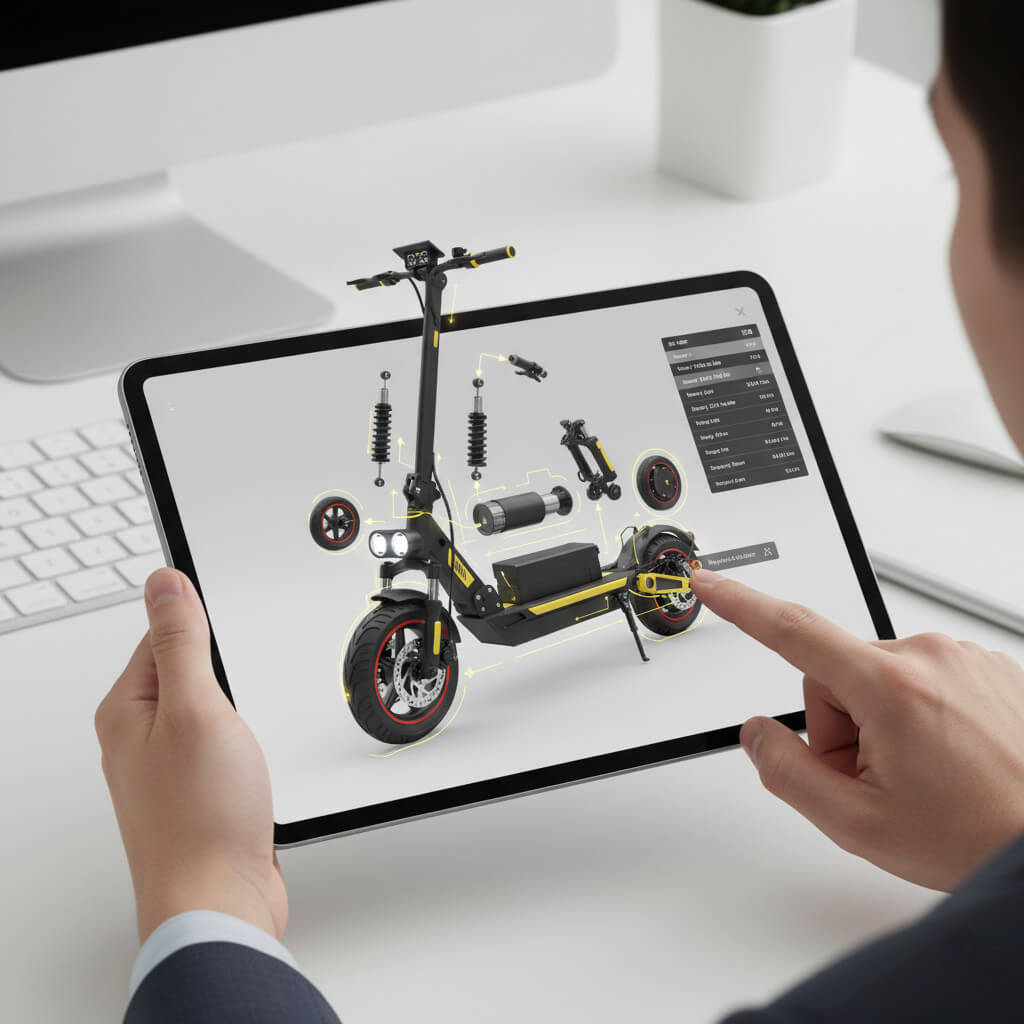
Discover how easy it is to integrate interactive 3D into your website with just one embedded link—customers rotate products 360°, explore exploded views, click parts for details, and go fullscreen. Start Simple, Scale Later: begin with our affordable Standalone 3D Viewer and upgrade to any Digital Twin feature whenever you're ready.

Traditional E-Commerce Page

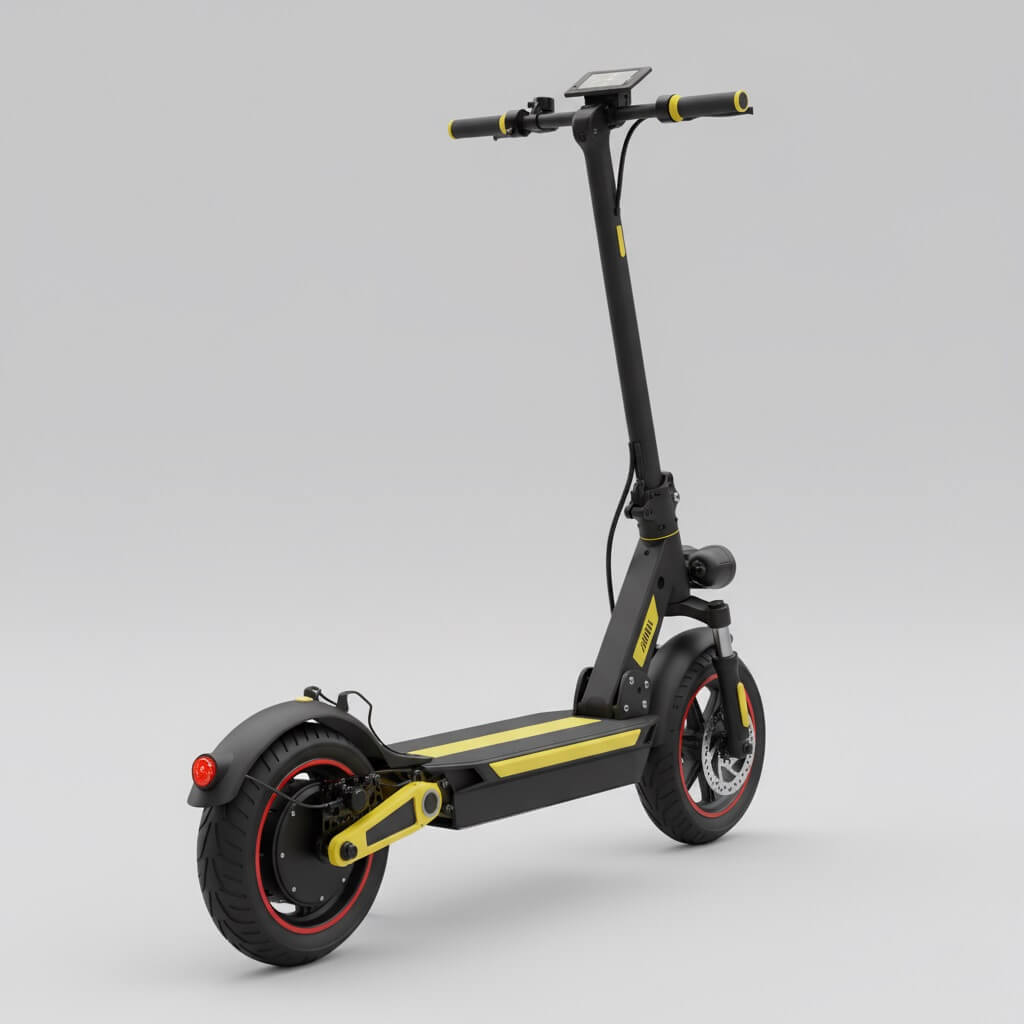
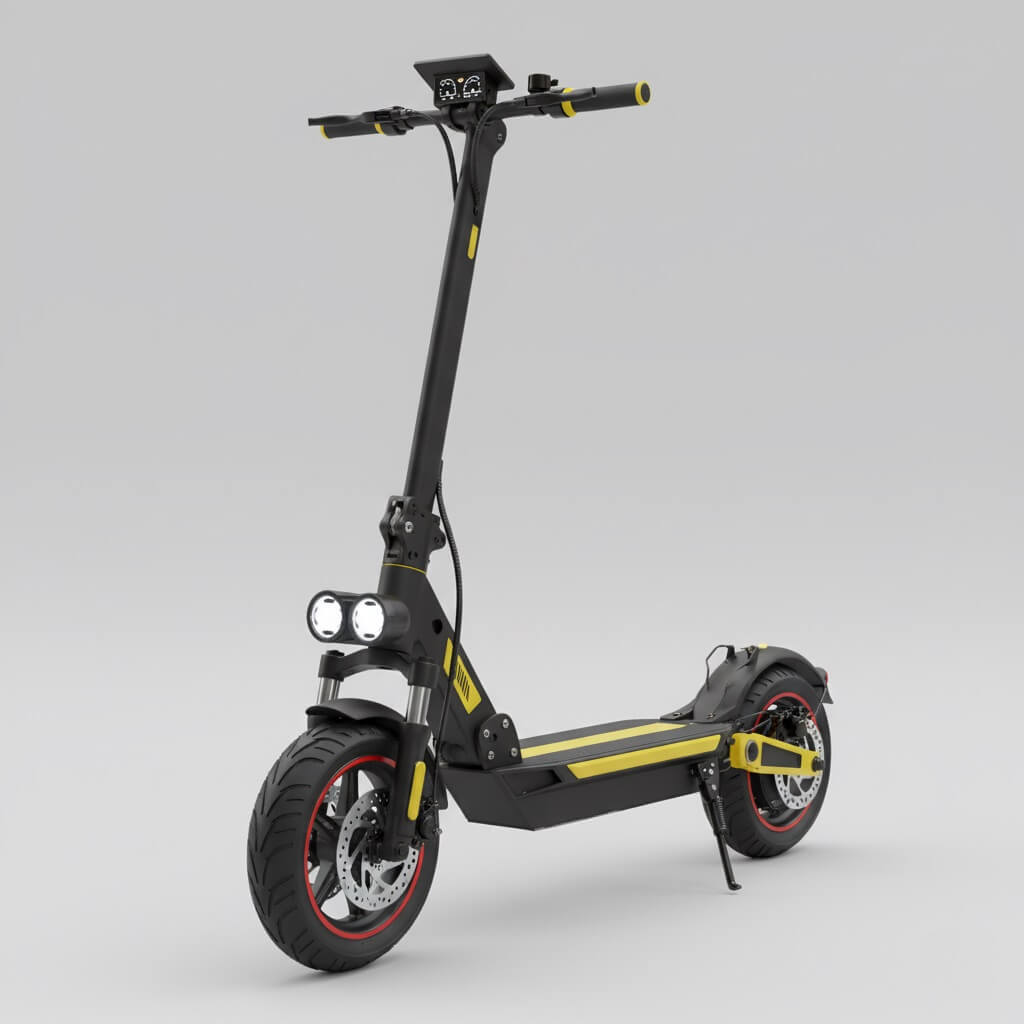
Urban E-Scooter Pro

$899.00

★★★★☆ 248 reviews
E-Scooter Static View 1
Thumbnail 1 Thumbnail 2 Thumbnail 3
+3

Premium electric scooter designed for urban commuting. Features a powerful motor, long-range battery, and advanced safety features. Perfect for daily transportation with a sleek, portable design.

Key Features:

  • Max Speed: 25 km/h
  • Range: Up to 45 km on single charge
  • Weight: 14 kg (lightweight & portable)
  • Motor: 350W brushless motor
  • Charging Time: 4-5 hours
  • Max Load: 120 kg
Challenge: Customers can only view limited static angles. Questions about product details often lead to support tickets and purchase hesitation.
Enhanced with Interactive 3D Viewer

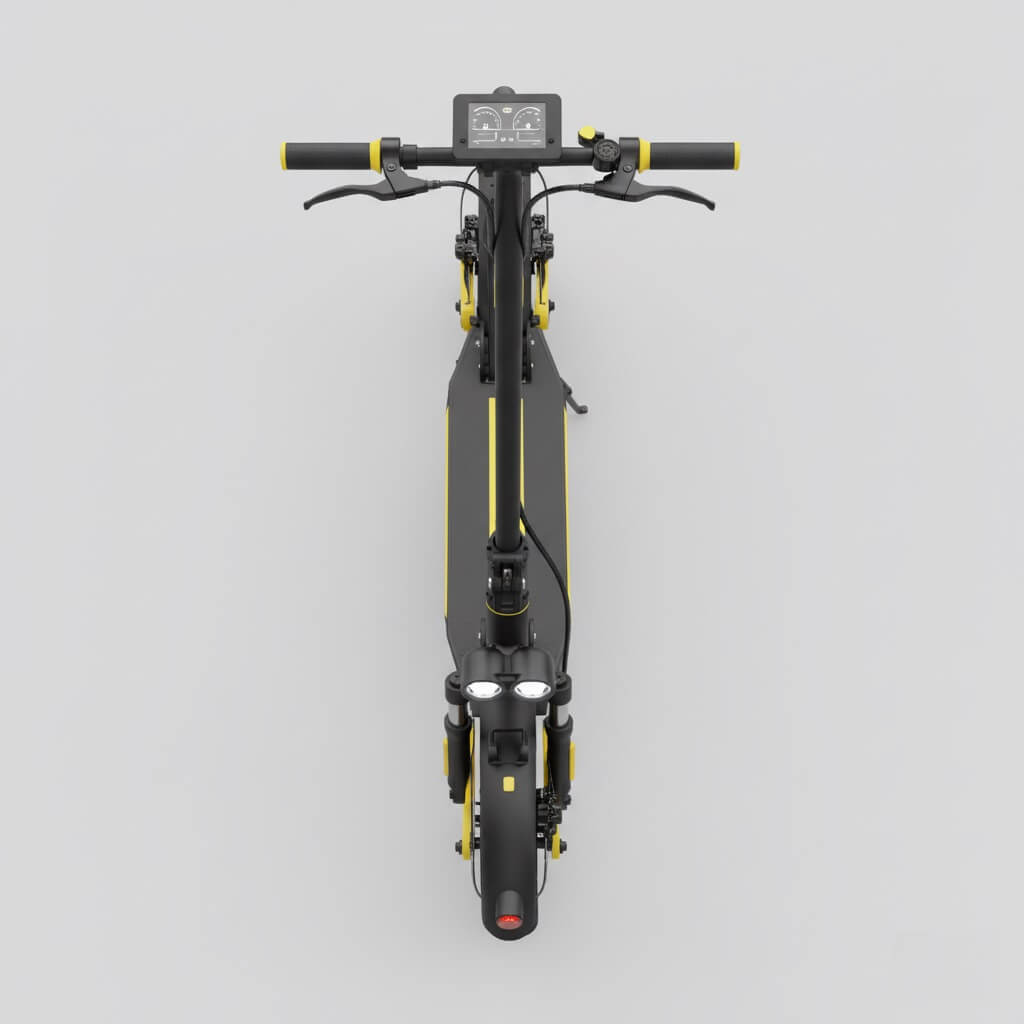
Urban E-Scooter Pro

$899.00

★★★★☆ 248 reviews

Premium electric scooter designed for urban commuting. Features a powerful motor, long-range battery, and advanced safety features. Perfect for daily transportation with a sleek, portable design.

Key Features:

  • Max Speed: 25 km/h
  • Range: Up to 45 km on single charge
  • Weight: 14 kg (lightweight & portable)
  • Motor: 350W brushless motor
  • Charging Time: 4-5 hours
  • Max Load: 120 kg
Solution: Customers explore the product from every angle. Interactive 3D builds confidence, reduces questions, and accelerates purchase decisions.

Practical value for every visitor and every team

End Users

End Users on your website

Transform your product pages from static galleries into interactive experiences. Customers explore every angle, click parts for instant details, and see exactly what they're buying—all without leaving your site. Increase engagement and reduce returns by letting visitors experience your product before purchase.

Sales & Customer Support

Sales and Customer Support

Show, don't tell. During sales calls, instantly reveal internal components with cross-section views, explode assemblies to highlight key features, and share direct links to specific views. Answer technical questions on the spot with visual proof, closing deals faster and building trust through transparency.

Field Technicians

Field Technicians and Maintenance Teams

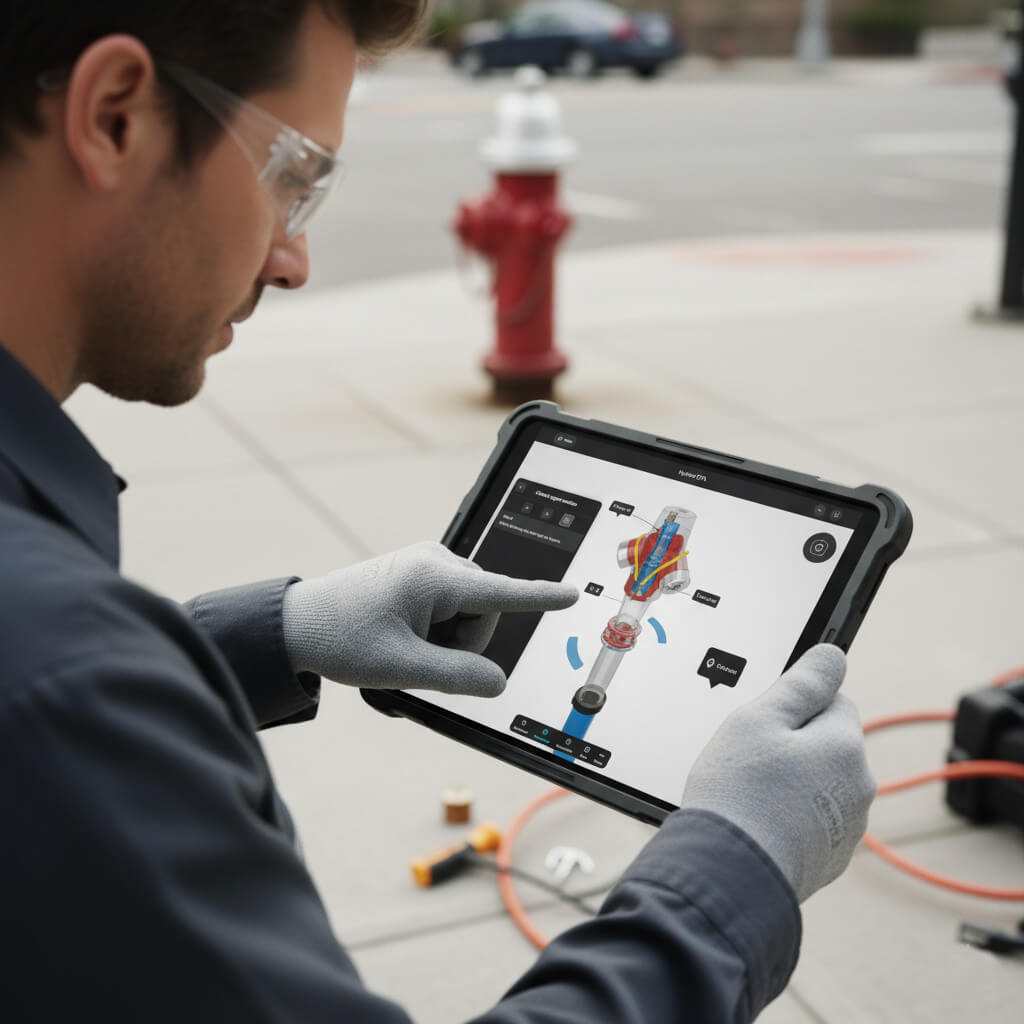
Access everything you need on any device, anywhere. Follow interactive procedures with 3D visuals, identify parts instantly by clicking directly on the model, and use cross-section views to diagnose internal issues. No more flipping through PDFs or guessing part numbers—everything is visual and immediate.

Managers

Managers and Decision Makers

Get real-time visibility into how your teams use product information. Track usage patterns, identify training needs, and measure the impact on support costs and service efficiency. Make data-driven decisions with clear metrics on adoption, engagement, and ROI.

IT Specialists

IT and Integration Specialists

Deploy in weeks, not months. Simple embedding with iframe or link, standardized ERP connectors for automatic data sync, and managed hosting so you focus on your core systems. Set it up once and it runs—updates, security, and maintenance are handled for you.

Training and Onboarding

Training and Onboarding

Cut training time in half with interactive 3D learning. New technicians explore products virtually, practice procedures repeatedly, and understand complex assemblies before touching real equipment. Reduce training costs while improving competency and confidence.

Partnership with Riwers

"Digital Twin Engineering meets Software Excellence"

We are proud of our partnership with Riwers. With extensive project experience and a real power team, Riwers supports us in the implementation of the DTA interfaces (API), application development, and data security.

Frequently Asked Questions

It is a browser based application that turns your product data into an interactive experience with 3D exploration, guided procedures, documents, parts, a dashboard, and an AI assistant. Augmented reality (AR) is available as an enablement option, and future features such as product configurator and virtual reality (VR) are in development. Future features are shaped by customer needs and market feedback.

The more comprehensive data you provide, the richer and more valuable your interactive application will be. We typically need:

  • 3D CAD Data: Your 3D models in common formats (STEP, IGES, OBJ, FBX, or native CAD formats). The 3D model should clearly show the product hierarchy, including how components relate to each other, assembly structures, and product variants or configurations.
  • Technical Documentation: PDF manuals, technical specifications, service bulletins, installation guides, and any other relevant documentation that supports product understanding and maintenance.
  • Service Procedures: Step-by-step maintenance procedures, repair instructions, assembly guides, and troubleshooting workflows for the procedures you want to create as interactive. The number of procedures depends on your needs and will be discussed when you request our application.
  • Parts Data: Parts catalogs, component lists, part numbers, descriptions, specifications, and any ordering or procurement information. This enables the interactive parts catalog feature.
  • Brand Assets: Logos and any brand guidelines.
  • Optional ERP Integration Data: Field mappings, data schemas, and connection details if you plan to integrate with ERP systems for automated synchronization.
  • Additional Content: Training materials, video tutorials, safety information, compliance documentation, warranty information, or any other content that enhances the user experience.

Note: Don't worry if you don't have everything at once. We can start with what you have and add more content over time.

The timeline depends on application complexity, data readiness, and scope. For a standardized application, deployment is typically fast—most pilots go live in two to four weeks. The timeline may extend based on ERP integration requirements, custom features, and the complexity of your specific needs. The exact timeline will be set based on your project scope during the initial planning phase.

No installation is required for the web-based version—it runs in modern browsers on desktop, tablet, and mobile. The main advantage is that it works instantly via web browser. However, the application can also be delivered as a standalone offline application (standard executable file) or as a mobile app if needed. For mobile devices, users can optionally install it as a Progressive Web Application (PWA), which allows the app to work offline and provides a more app-like experience while still being web-based. The PWA installation process is simple: users visit the web link and can add it to their home screen with one tap, providing the benefits of both web accessibility and native app functionality.

Absolutely. Many clients start with the standalone 3D Viewer for marketing purposes. You can easily upgrade to the full Digital Twin suite (adding Parts Catalogs, Procedures, or AI) whenever your needs grow, without needing to rebuild the application.

Users can rotate, zoom, click to select components, isolate parts, explode assemblies, and open related information. With augmented reality enabled, users can also visualize the product in real space using a mobile device, projecting the 3D model into their physical environment.

It reveals the interior of the model with an adjustable section plane so users can inspect hidden components and mechanisms.

Procedures present visual steps with play, pause, previous, and next controls, and can highlight required parts, tools, and safety notes.

Documents follow a two-category philosophy. The first category includes documents linked directly to specific parts or components—when a user selects a component, relevant documents are shown contextually. The second category consists of general documents that apply to the entire model, such as general information, overall specifications, or product-wide documentation. All documents are organized in a central library for easy access.

The parts catalog connects directly to selected components and links to ordering or your procurement flow. Clients can select the hierarchy structure based on their needs: it can follow the CAD model structure (assemblies, sub-assemblies, parts) or be defined on special demand. For example, if a client doesn't want to show the exact CAD hierarchy to web visitors, they can choose to display only critical or specific parts, creating a simplified view tailored to their audience.

Clients can define the specific information to display in the dashboard. Information can be linked from the client's ERP system for real-time data, or it can be illustrative to help display specific information from the model. The dashboard shows clear metrics, usage snapshots, and inspection history that support planning and review, all customized to your needs.

The AI assistant is trained on information specific to your model or whatever information you want to include. It answers questions in plain language and guides users to the correct procedure, document, or feature. Moreover, some actions can be triggered directly based on the AI assistant's answers, enabling interactive workflows and automated responses.

Yes as an enablement option. It projects the product into the real world using a mobile device.

We host it for you and provide a shareable link and an embed code. Optional desktop and mobile builds are available.

Yes. You receive an embed code and we can restrict usage by domain if required.

Yes on request. These are packaged from the same experience.

Yes. Progressive web application (PWA) capabilities can be enabled, which allows the application to work even when internet connection is poor or temporarily unavailable. Once the app is loaded, key features and content can be accessed offline, making it ideal for field technicians or users in areas with unreliable connectivity.

We manage engine updates, security updates, improvements, and bug fixes on a routine cadence.

Email support is included with options for service level agreements based on your needs.

Engine updates, security updates, improvements, and bug fixes are included in the one-time payment for the standardized application. However, special content updates on client requirements—such as updating the 3D model, adding new procedures, or modifying core application features—are priced based on complexity because they involve modification of the application core. The pricing will be determined based on the scope of changes needed.

Transport encryption with HTTPS, secure storage, and routine backups are standard.

Yes. Role based access is available and single sign on can be enabled based on your identity provider.

We use reputable cloud providers and can discuss regional hosting to align with your policies.

Regular backups and version control are part of our managed service to enable recovery and rollbacks when needed.

Operational logs are maintained and can be shared on request. Enhanced audit options are available for enterprise plans.

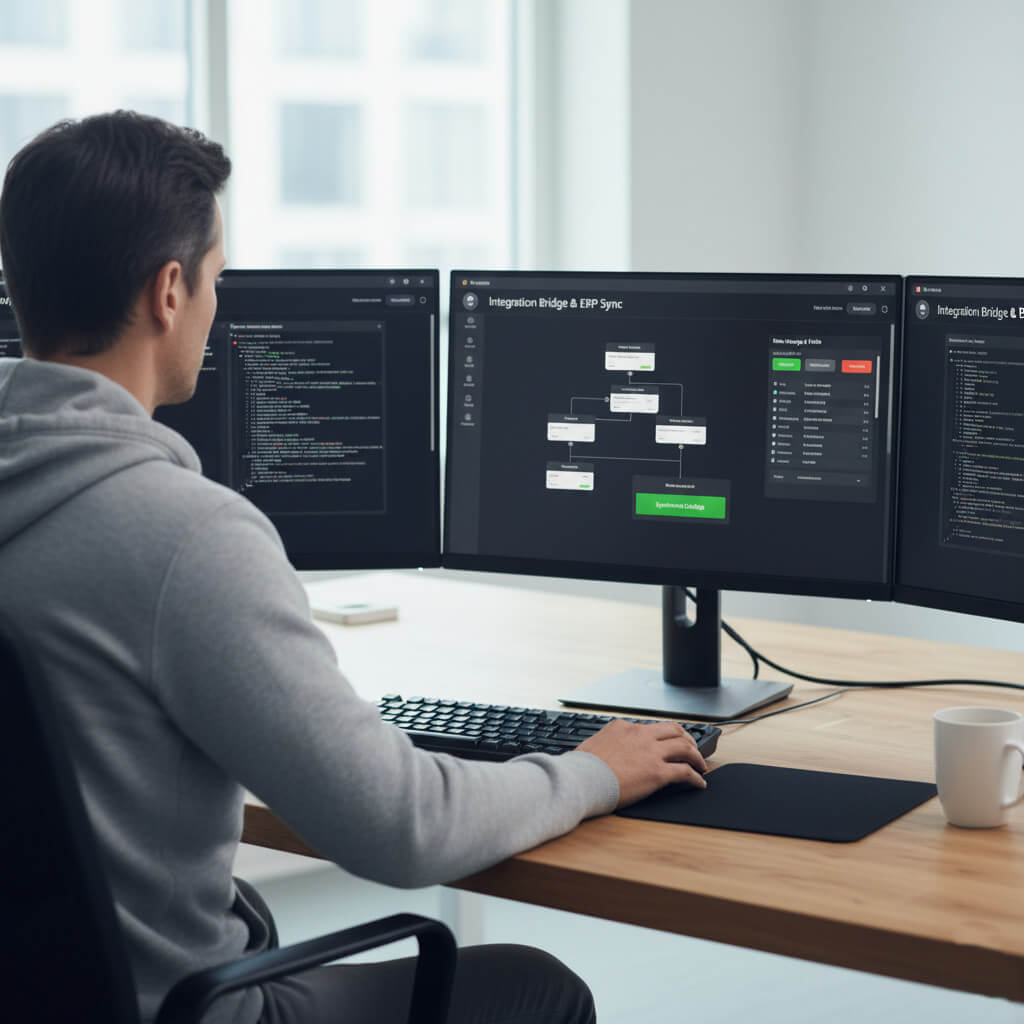
Yes. We use our own standardized bridge between our ERP system and the DTA application. Custom features of the application can then be synchronized with your ERP system of choice, enabling seamless data flow and automated updates.

Common options include product information management, content delivery networks for documents, commerce, and analytics platforms.

Typical integrations take two to six weeks depending on scope, data mapping, and testing.

You retain full ownership of your data and content.

You can provide updated files or connect data syncs. We apply updates as part of the managed service. For pricing details on content updates, please refer to the question "What if we want to update the 3D model or content?" in the Deployment and Service section.

Yes. We can provide localization and unit preferences as part of configuration.

Yes. We can enable privacy aware analytics to measure engagement, common flows, and feature usage.

All standard modern browsers are supported, including Chrome, Edge, Safari, and Firefox on desktop and mobile devices.

We optimize models, use efficient formats, and apply level of detail, compression, and streaming where appropriate. We also optimize textures and materials so the 3D model looks as realistic as possible while maintaining browser efficiency and fast loading times.

We use advanced compression and streaming technologies to ensure fast performance. The application is designed to load efficiently without slowing down your main website. Content is loaded on-demand, ensuring your page speed and SEO remain optimized.

Ready to give your customers a better way to explore your products?